AI software that helps you acquire and serve 10x more clients
Vendasta’s AI, trained on your clients’ business profiles, enables your agency to effortlessly create scalable sales and marketing experiences—from managing reviews and social content, to converting website visitors into leads.
Try Vendasta for free. No credit card required.



|
4.5 out of 5
|
|
4.5 out of 5
|
|
4.5 out of 5
|
Top performing B2B agencies, media companies, and franchises use Vendasta






76%+ revenue acquiring clients using Vendasta’s sales intelligence tool

Scaled operations by consolidating multiple vendors into one streamlined solution

Achieved 97% retention by leveraging Vendasta’s all-in-one platform
The problem
Your agency struggles with:
- Winning new clients and closing deals.
- Scaling up without breaking the bank.
- Retaining existing clients.
The kicker: your clients’ businesses face big challenges like these, too. 🤯
Our solution 
Vendasta’s software provides everything you and your clients need in one spot.
- AI-driven sales and marketing tools for your agency and your clients.
- All-in-one platform to drive demand, close deals, and manage client relationships.
- Daily-use portal that engages your clients and proves your value
- Marketplace with access to hundreds of products and services—never say “no” to a client request.
Vendasta equips you to acquire, serve, grow, and manage business clients—all in one place

Exceed expectations with AI-driven products and client portal

Win business and deliver projects efficiently with our agency platform

Meet additional client needs with top app and service vendors in our Marketplace
WOW clients with AI software they’ll love to use—keeping them forever as loyal customers
- AI Webchat
- AI Reviews
- AI Listings
- AI Social
- AI Campaigns
- AI CRM
- Local SEO
- Ads Reporting
- Websites
- Inbox
- Unified Client Reports

 AI Webchat
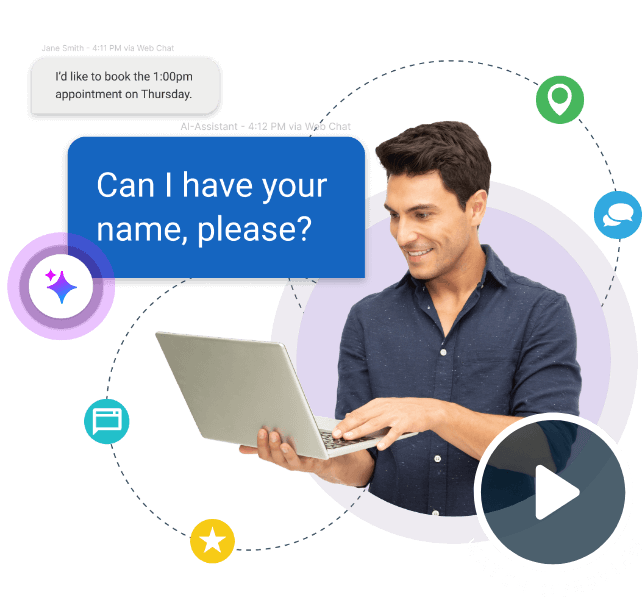
Capture more leads for your clients with Vendasta's AI chat assistant. It gathers visitor details, answers questions in real-time, and connects qualified leads via SMS—no phone calls required.
 AI Reviews
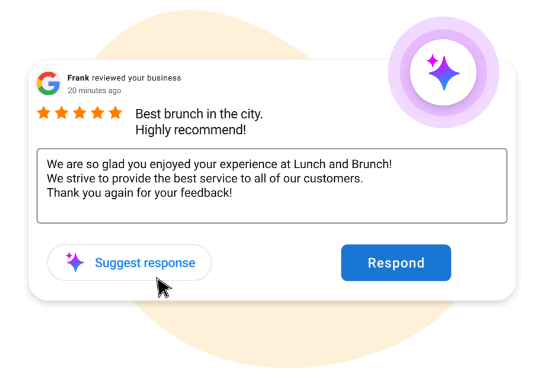
Empower clients to craft tailored responses to reviews, improving reputation and online visibility with one-click replies on major sites like Google and Facebook.
 AI Listings
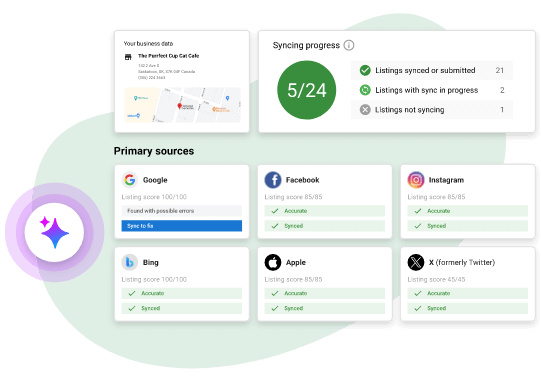
Boost your clients' findability with accurate, consistent business information across hundreds of sites. AI optimizes profiles for maximum visibility and search rankings.

 AI Social
Make your clients go viral with Vendasta’s social media management. AI tools simplify content creation, automate publishing across networks, and enable customer engagement with AI-crafted replies.
 AI Campaigns
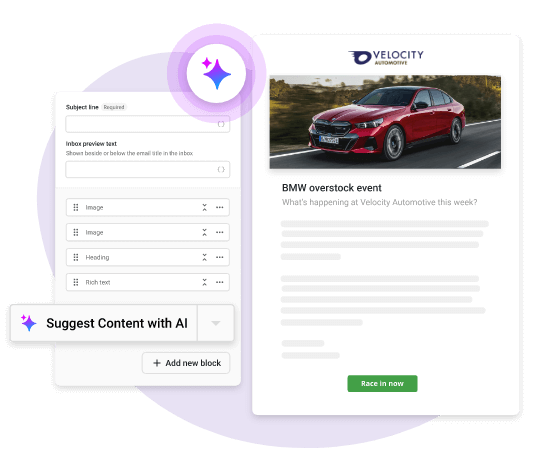
Empower clients to engage leads with Vendasta’s marketing automation. AI-built email and SMS campaigns revive cold leads, capture new ones, and target the right contacts at the perfect time.
 AI CRM
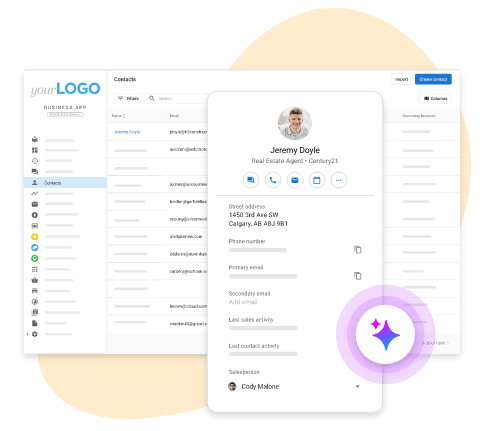
Centralize customer interactions for your clients’ business. It unifies contacts, integrates with existing software, schedules appointments, and uses AI to summarize all customer activity for seamless service.

 Local SEO
Help clients dominate local search. Track geolocation rankings, showcase customer interactions via Google Insights, and let AI suggest the highest impact keywords to tackle
 Ad Reporting
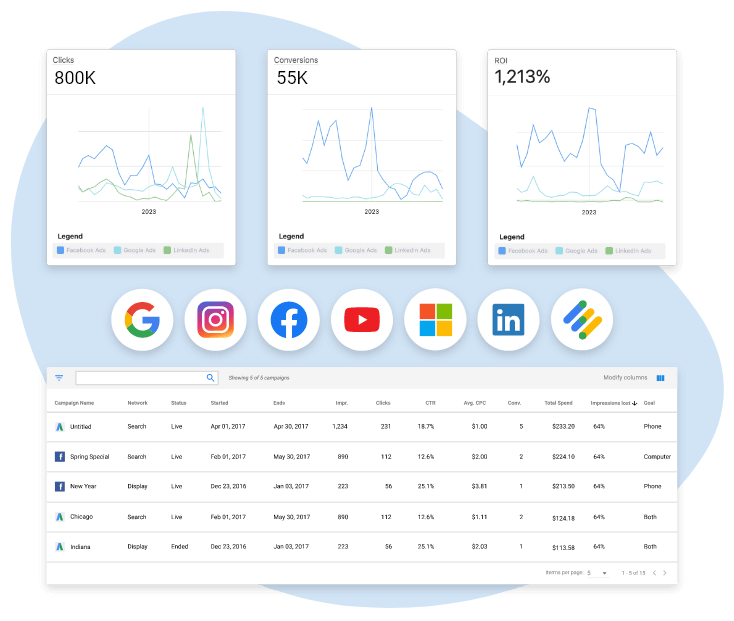
Showcase ROI with Vendasta’s ad reporting. Centralize client ad data across platforms, automate updates, and use smart comparison tools for strategic campaigns and increased profitability.
 Websites
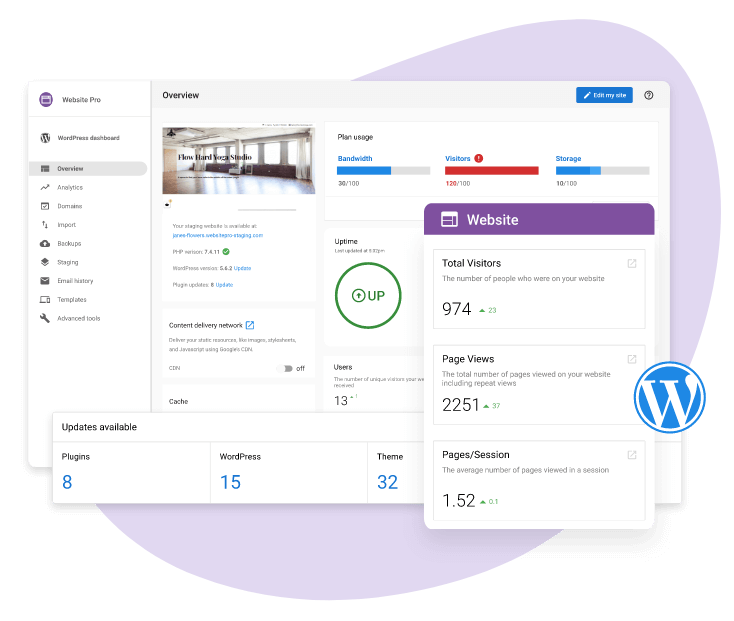
Create scalable WordPress sites with Vendasta’s managed hosting. Build fast and securely with one-click setup, AI-powered diagnostics, and seamless Google Analytics integration for automated reporting.
 Inbox
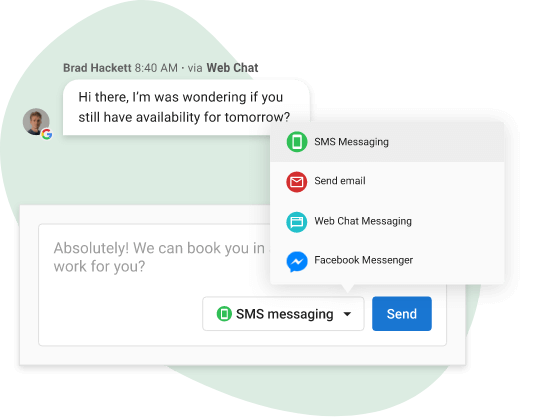
InboxStreamline customer communication with Vendasta’s unified inbox. Centralize interactions across SMS, email, Facebook, and Instagram, ensuring your clients never miss a message and maintain conversation continuity across channels.
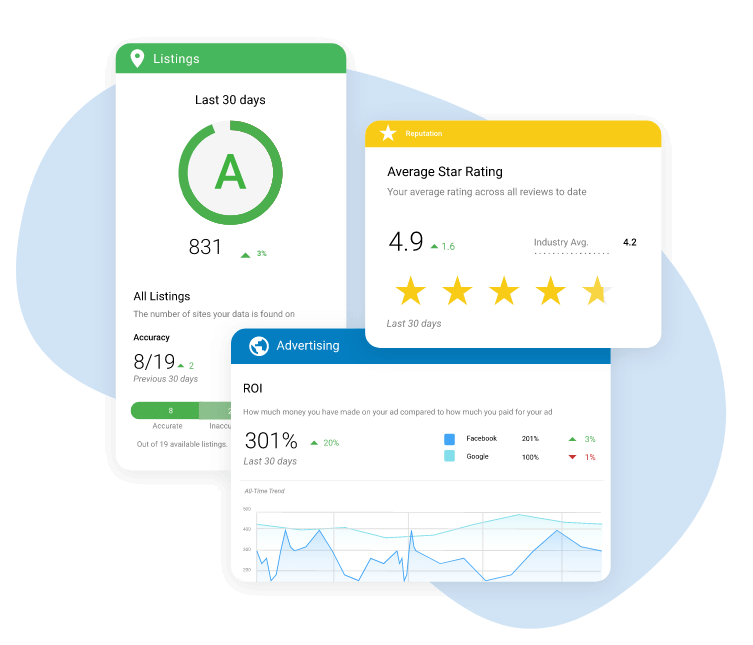
 Unified Client Reports
Keep clients engaged with Vendasta’s automated Executive Report. Consolidate SEO, listings, reputation, and ads in one portal, deliver branded reports via email, and showcase your agency's impact effortlessly.
“Vendasta’s AI is going to change the make-up of agencies. It’s making my team more efficient; there’s no mistakes being made on review responses and social posts.”

Chris Montgomery, CEO

Chris Montgomery, CEO
Win clients and scale effortlessly with Vendasta’s platform—market, sell, and fulfill from one place
- Snapshot Report
- Agency CRM
- Subscription Billing
- Automations
- Project Management
- Client Communication
- Premium Reports
- Integrations

 Snapshot Report
Sell more with Vendasta’s AI-powered Snapshot Report. Gain automated insights into business prospects' online performance, compare against competitors, and send personalized messages based on report scores.
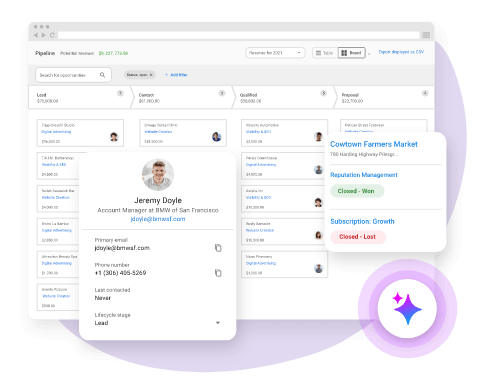
 Agency CRM
Ditch your agency’s current CRM. Use Vendasta to optimize your sales process, predict client needs, organize teams, and seamlessly connect with leads using AI and built-in tools for growth and profitability.
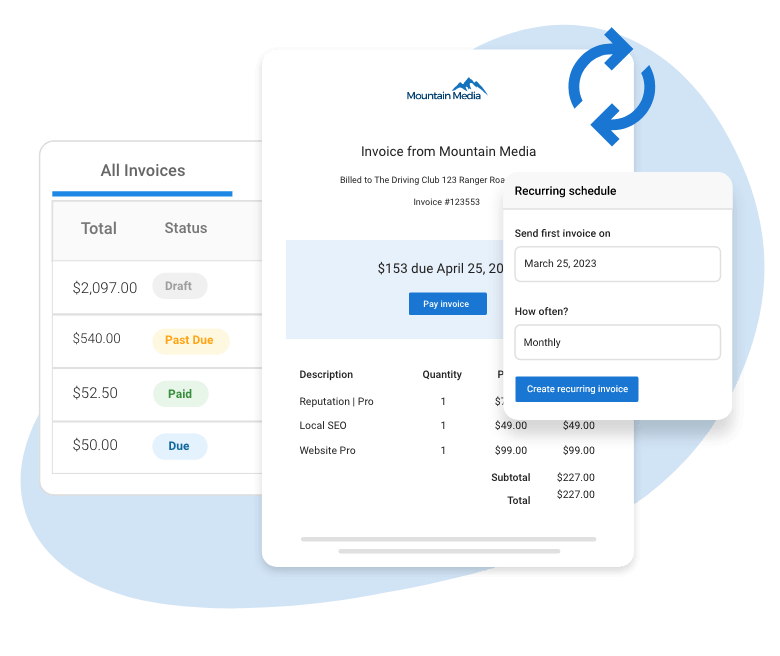
 Subscription Billing
Get paid fast with integrated billing. Manage invoicing, automate subscriptions, and offer secure buying experiences for clients. Ensure seamless transactions via Stripe Connect.
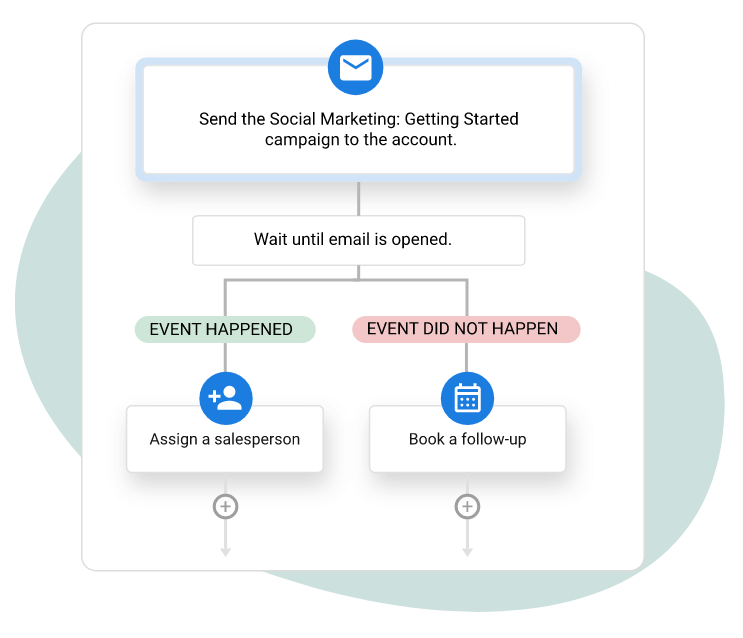
 Automations
Streamline operations with customizable, no-code workflows. Automate tasks like email campaigns, project management, and sales pipelines with flexible triggers, delays, and filters for ultimate control.
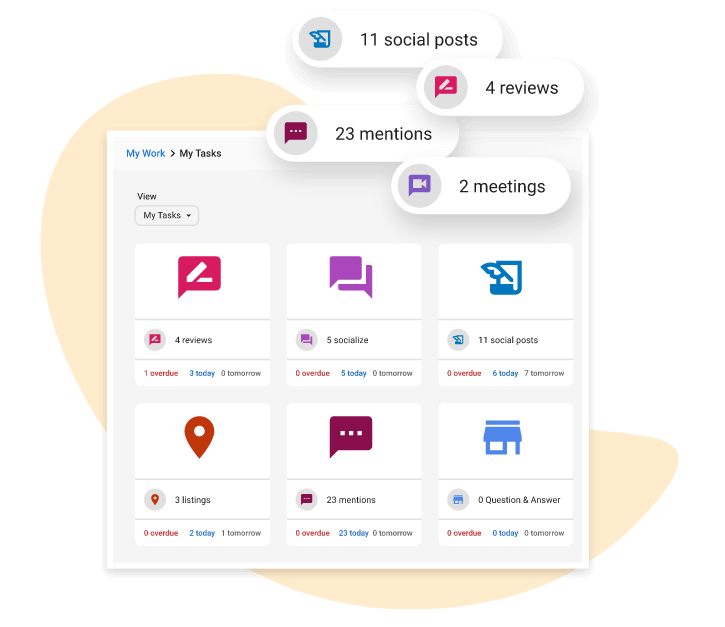
 Project Management
Project management software, designed for agencies. Streamline tasks, automate reporting, maintain client trust with real-time order tracking, and keep your team on schedule for timely, transparent service delivery.
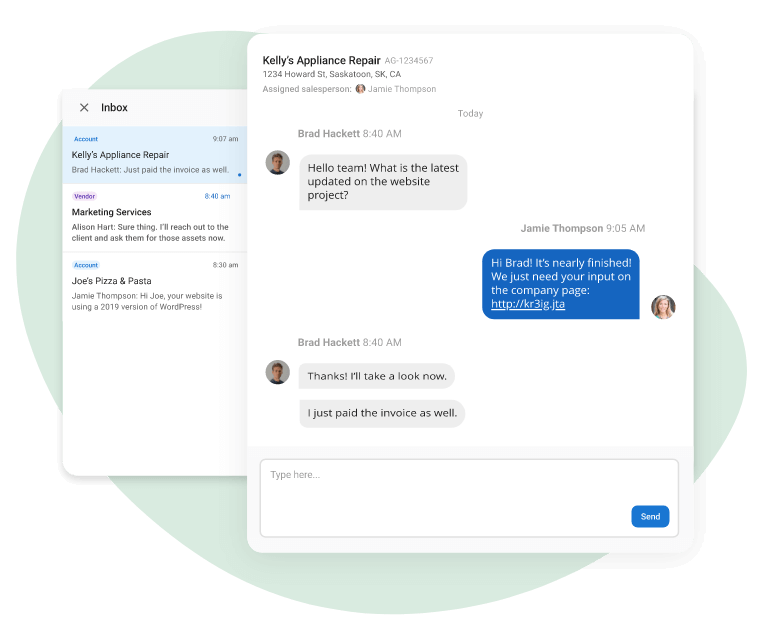
 Client Communication
Keep all client communications in one place with Vendasta’s inbox. Manage conversations seamlessly, collaborate on projects, and ensure your team and clients stay connected efficiently.
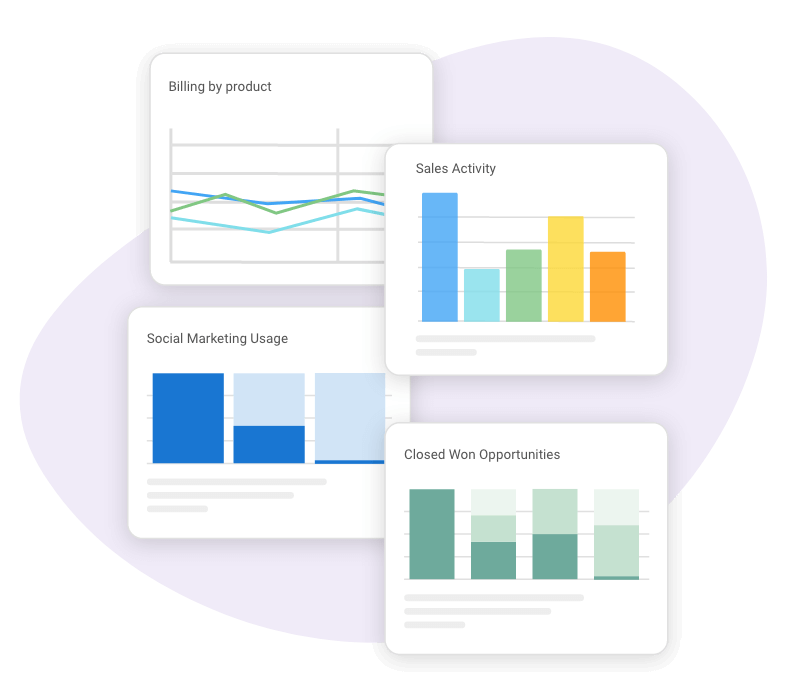
 Premium Reports
Unlock agency success with powerful reporting. Gain immediate insights into growth opportunities, sales trends, and untapped markets. Make data-driven decisions, protect data, and export insights effortlessly for detailed analysis.
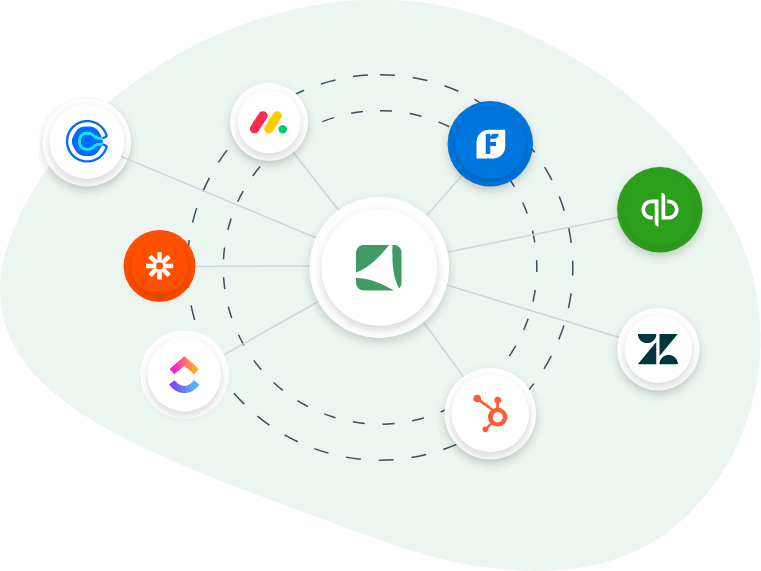
 Integrations
Seamlessly integrate with your tools using Vendasta’s automations and webhooks. Send data, create workflows, and connect apps effortlessly with no-code solutions like Zapier for streamlined operations.
Vendasta’s agency platform replaces:







Say “yes” to more client requests with additional solutions from our Marketplace































 Explore Marketplace
Vendasta’s Marketplace Replaces:



This is what partnering with Vendasta feels like

“Vendasta makes it easy to provide full-service solutions to clients. The best feature is the breadth and quality of providers that they have attracted to the Vendasta Marketplace. You can build a business confident that you’re offering ‘best of breed’ solutions to your clients. Plus, the Vendasta platform allows you to pull it all together and present an impressive single dashboard presentation. In addition, Vendasta provides partner support to help you continually grow and innovate.”
Bill B.
Principal

“Vendasta is an amazing company and the platform is better than any other on the market. They provide world leading training and support. Their lead generation tools are very intelligent and work to get signups for your agency. This is a company that you can trust and create a truly unique and powerful marketing agency in partnership with. The support is second to none and they do what they do with passion, focus and expertise to ensure that you succeed.”
David R.

“What I appreciate most about the platform is the broad choice of tools and customization. But in truth, it’s the people. SaaS is trash. Add great people to a solid platform and it turns into a solution. Vendasta account team, product specialist and executives [are] all here to support their agency clients, makes it my go-to choice.”
Mathew
CEO in the US

“I love Vendasta because the entire software system is so streamlined. Everything is incorporated into one platform that helps agencies grow and scale. Their software platform gives your clients a portal to manage everything related to their business marketing online.”
Mitchell T.
Principal Consultant
“The Vendasta platform helps me grow my digital marketing agency by providing everything I need to succeed, including a Partner Center, Task Manager, Vendor Center and built-in CRM (Sales & Success Center).
Their online marketplace has over 200 digital solutions, allowing me to provide all of the digital tools and services that my clients will ever need. It also allows me to add my own products and services to my online store, enabling me to include up-sells and additional value-added services to my clients.”
Michael K.
Owner
“Having a product offering that is well-rounded and possibly unique from my local competitors definitely gives me an edge. Having more tools also helps me become more confident. Highly recommend.”
Justin
CEO in the US
“I highly recommend Vendasta to anyone operating a digital marketing agency. They help you focus on growing your business by taking over the heavy lifting of doing the detail work for you. You can stay focus on the big picture and not get bogged down in the trenches. Without them, I would never have been able to scale my business, we stayed lean but expanded our offerings.”
Scott K.
“Vendasta’s agency tools have allowed us to provide our clients the tools and services they need to stay on top of their online reputation and social media. We’ve gained market share from our competitors, provided our clients with the latest technology to be successful online and increased our retention of clients to over 97% after their initial contract terms.”
Terry B.
CEO
“The main benefit is that I can run a business without a bunch of employees. Even when I am big enough to need a few employees I will still need far less than if I were to run the business without Vendasta.”
Thomas F.
Agency Owner
Start making more money with Vendasta
Talk to one of our experts or try our software for free to discover exactly how we can help your business sell more at scale.