 About Us
 Careers
 Leadership
 Board
Board Newsroom
Client onboarding automation built and tested for each trade
Start every new client with a working setup, not a blank account. Pick a Blueprint for the trade and the AI Employees, pipeline, and follow-ups are ready.
See a Blueprint applied in a 30-minute demo.
Users love us. G2 agrees.

Trusted by 66,000+ partners





Building every new account by hand slows your whole team
Without client onboarding automation, every new client starts from a blank account, or from re-customizing the last one.

New clients wait on setup before they see a result
Your team rebuilds the phone agent, pipeline, and follow-ups for every account, and the client waits for a first result while they do.

Setup quality depends on who built the account
When each account is built by a different person, clients drift from your standard, and nobody can say which setup is current.

The automations never get switched on
When setup takes hours, the deeper parts get skipped. Clients end up with a thin account and use a fraction of what they bought.
What is client onboarding automation?
Client onboarding automation sets up a new client’s account from a tested template instead of building it by hand. Vendasta Blueprints are the account setup templates built into Partner Center, included with the Vendasta partner program.
A Blueprint sets up the AI Employees, the customer pipeline, follow-up campaigns, and review requests a business needs, matched to its trade. Start from a Blueprint that Vendasta builds and tests, or save a client account that already works as your own Blueprint. Apply it to one client or many, and see which version each one is on.
55% → 92%
26%
$1M / 100%
Onboard a new client in three steps
1
Pick a Blueprint for the business
Choose a Blueprint for the trade, or one of your own saved Blueprints. One choice from the library.
2
Check what the Blueprint turns on
Each Blueprint lists what the business gets, how it works, and which products it needs, in plain language.
3
Apply it to one account or many
Apply the Blueprint to one client, every client in an industry, or every location in your network. Automations arrive switched off until you are ready.
Everything a new client needs, set up for you
Each Blueprint does the setup work your team repeats today, including the automations that usually get skipped.
Blueprints
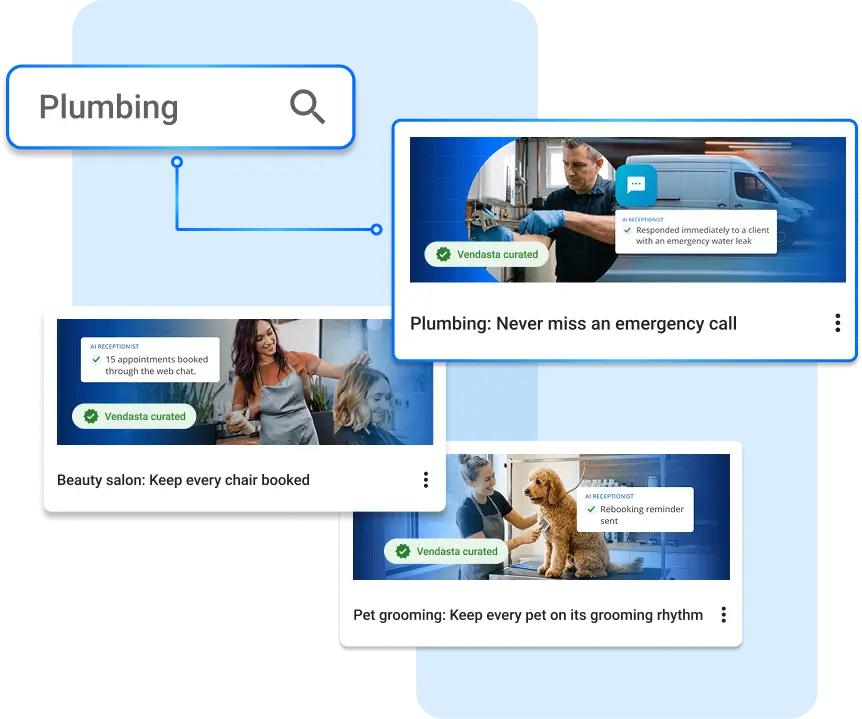
Client onboarding templates that work on day one
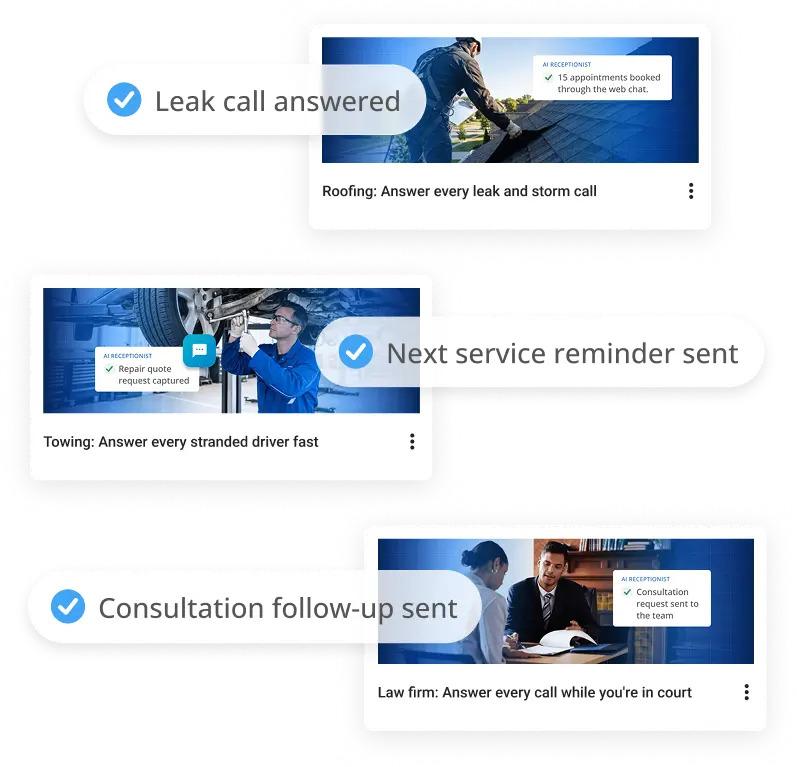
Vendasta builds Blueprints for home services, automotive, pet care, beauty, professional services, and travel. One template sets up every product in the account for that kind of business, AI Employees included, and our team has tested each one on a live account.
- Plumbing, HVAC, roofing, and electrical
- Auto repair and towing
- Salons, vets, accountants, and law firms
Your own Blueprints
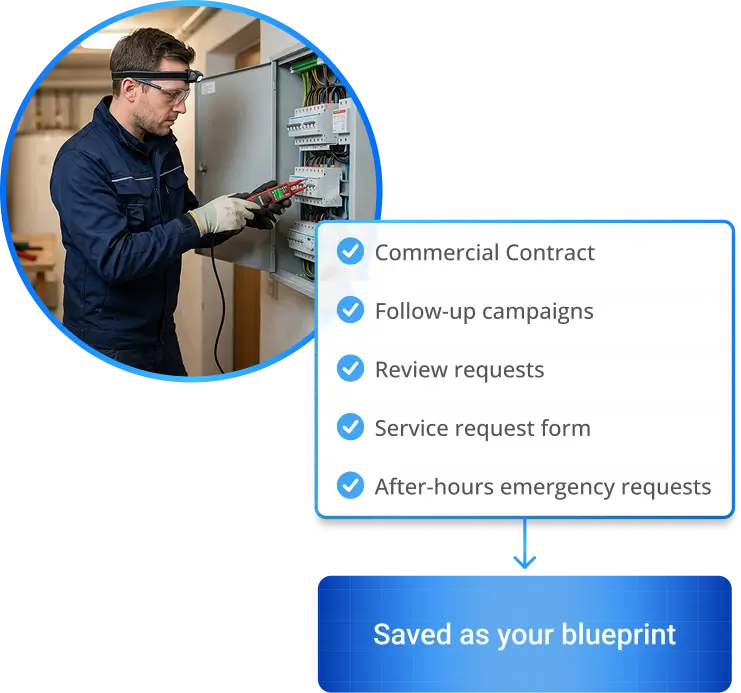
Build once, then apply to one client or many
Copy a Blueprint and trim what you don’t need, or save a client account that already works as your own Blueprint. Every new client after that starts from the setup you already trust.
- Copy and trim any template
- Save any account as a Blueprint
- Apply by client or by industry
“Vendasta completely gave me the confidence to know that every time we bring on a client…it all works.”
Reuben Rock, President & Head Growth Coach, BookCleaningJobs.com
Versions
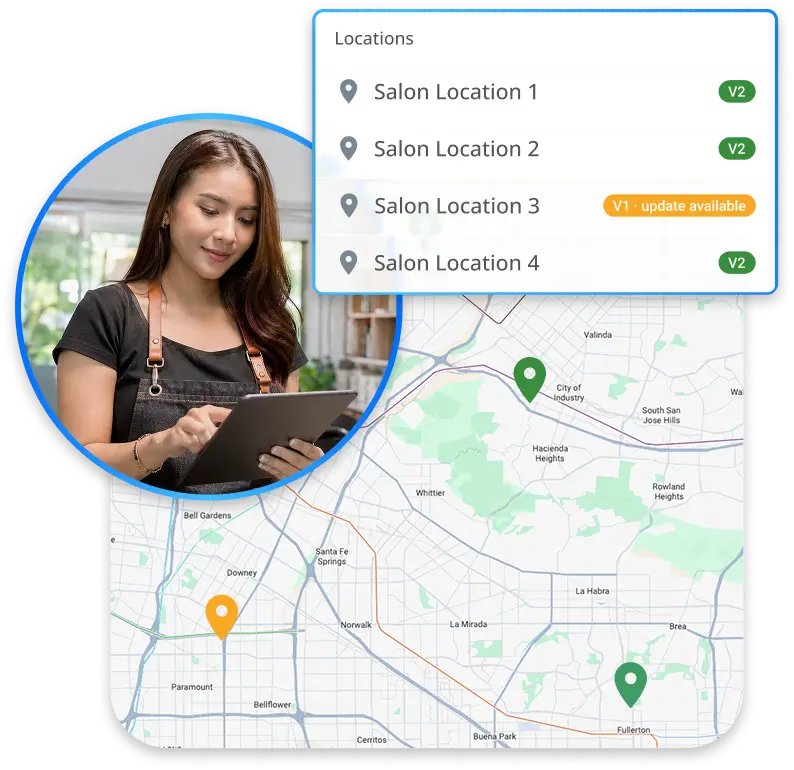
Roll out franchise marketing automation from one standard
Make your model location the standard, apply it to every location, and see which version each account is on from the Blueprint page.
- Version shown per account
- Roll out by client, industry, or network
- Spot a location still on an old version
“I can have confidence in bringing another client with 200 locations because I know Vendasta will handle it.”
Randy Blakeslee, Co-Founder, Symboliq Media
New offers
Package a Blueprint as your own offer for a new trade
A Blueprint goes past marketing automation templates to the pipeline, follow-ups, and AI Employees that run the business day to day. Package one under your brand and sell it to a trade you haven’t served before.
- Sell under your own brand
- Covers operations, not just marketing
- Open a new trade without building from scratch
Social Ordeals: “98% client retention rate”; “3.75 average products per client”
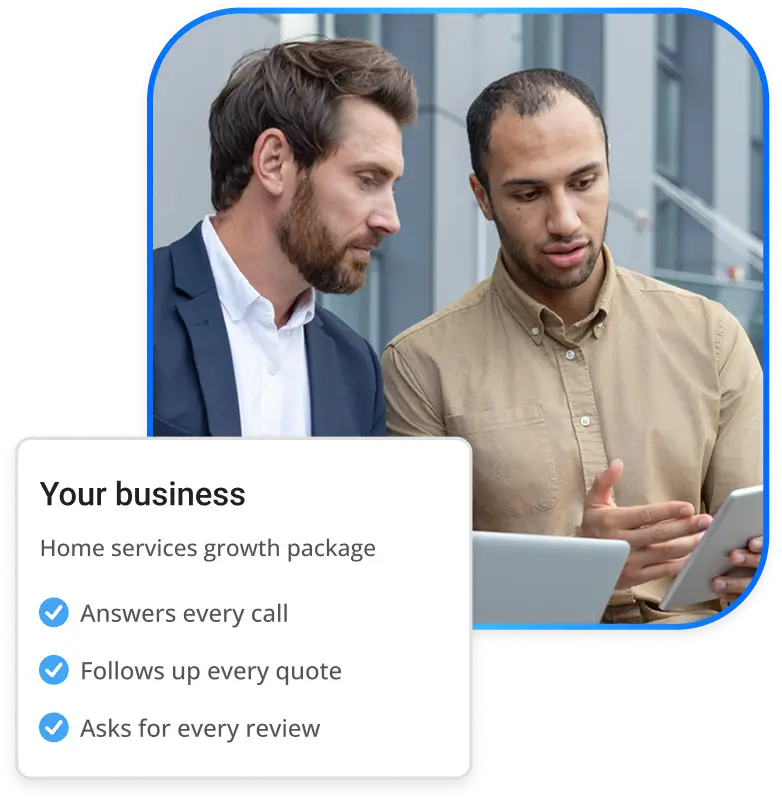
Start your next client from a Blueprint
See a Blueprint applied to a live account, then try it on your own.
See a Blueprint applied in a 30-minute demo.

2 local businesses
signed before launch
Crosshair, Agency partner
Why Crosshair is betting on Blueprints
Too few of Crosshair’s clients were taking full advantage of the automations that make a real operational difference. So Crosshair packaged a Blueprint as its own offer, Crosshair Spec Ops, put its brand on every email, and signed an HVAC contractor and an accounting firm. Both are onboarding now.
“Vendasta Blueprints let us offer fast, streamlined deployment of systems that give our clients the foundation they need to take full advantage of the technology and, more importantly, to scale their business.”
Built for agencies, franchises, and software companies
For anyone who sets up the same kind of account again and again.

Agencies onboarding new clients every month

Franchises rolling out a standard to every location

Software companies serving local businesses
Read how software companies add local marketing to their product →
Client onboarding automation, questions answered
How much do Vendasta Blueprints cost?
Can I use Vendasta’s Blueprints or build my own?
How do I automate client onboarding with Blueprints?
Who builds Blueprints?
Will a Blueprint send messages to my clients' customers right away?
Can franchises use Blueprints for multi-location onboarding?
Can software companies apply Blueprints to their customers?
Give every new client a head start
Your next client starts from a setup already working for your other clients.





See a Blueprint applied in a 30-minute demo.