 About Us
 Careers
 Leadership
 Board
Board Newsroom
CAMPAIGNS PRO
Email and SMS marketing software that sends when jobs close
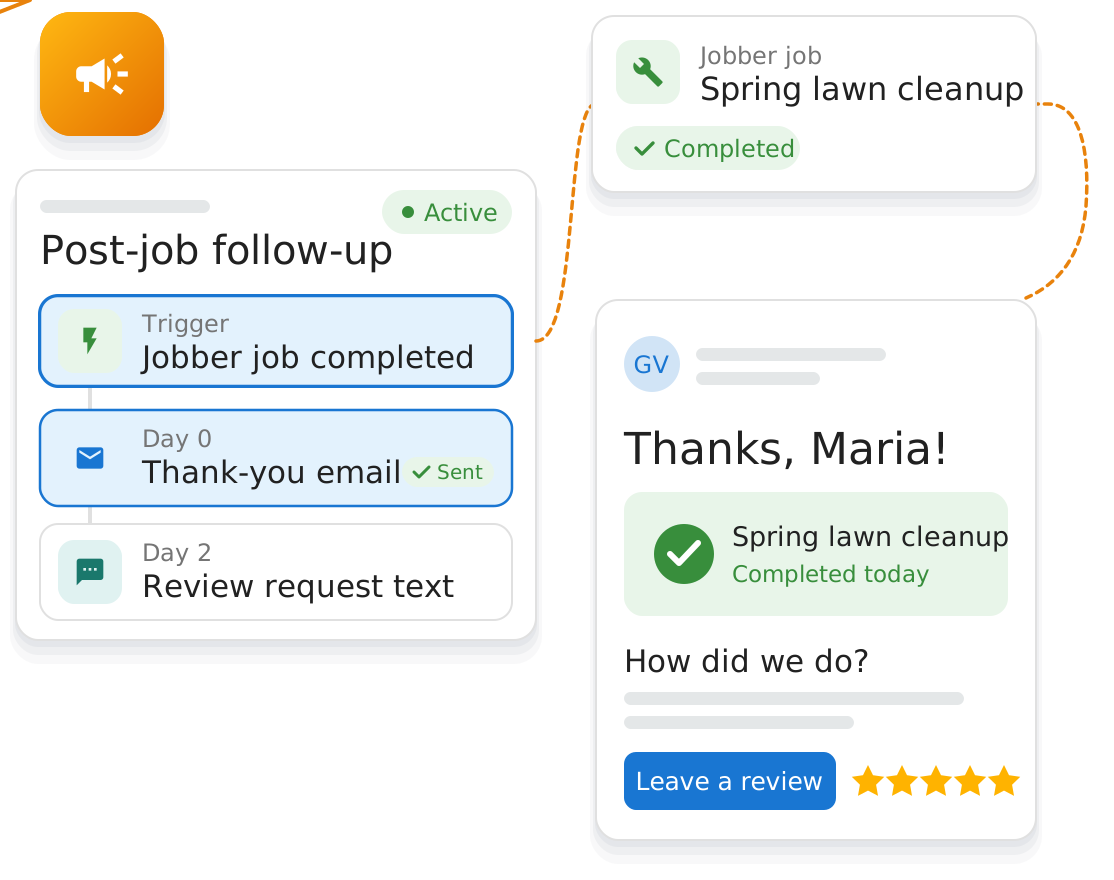
Vendasta Campaigns Pro is email and SMS marketing software for local businesses. When a job closes in Jobber, ServiceTitan, or QuickBooks, the thank-you email or reminder text goes out without anyone on your team sending it.
Try Vendasta for free. No credit card required.

Local businesses served
G2 badges earned in the Fall 2026 Reports

Follow-up that starts without anyone remembering
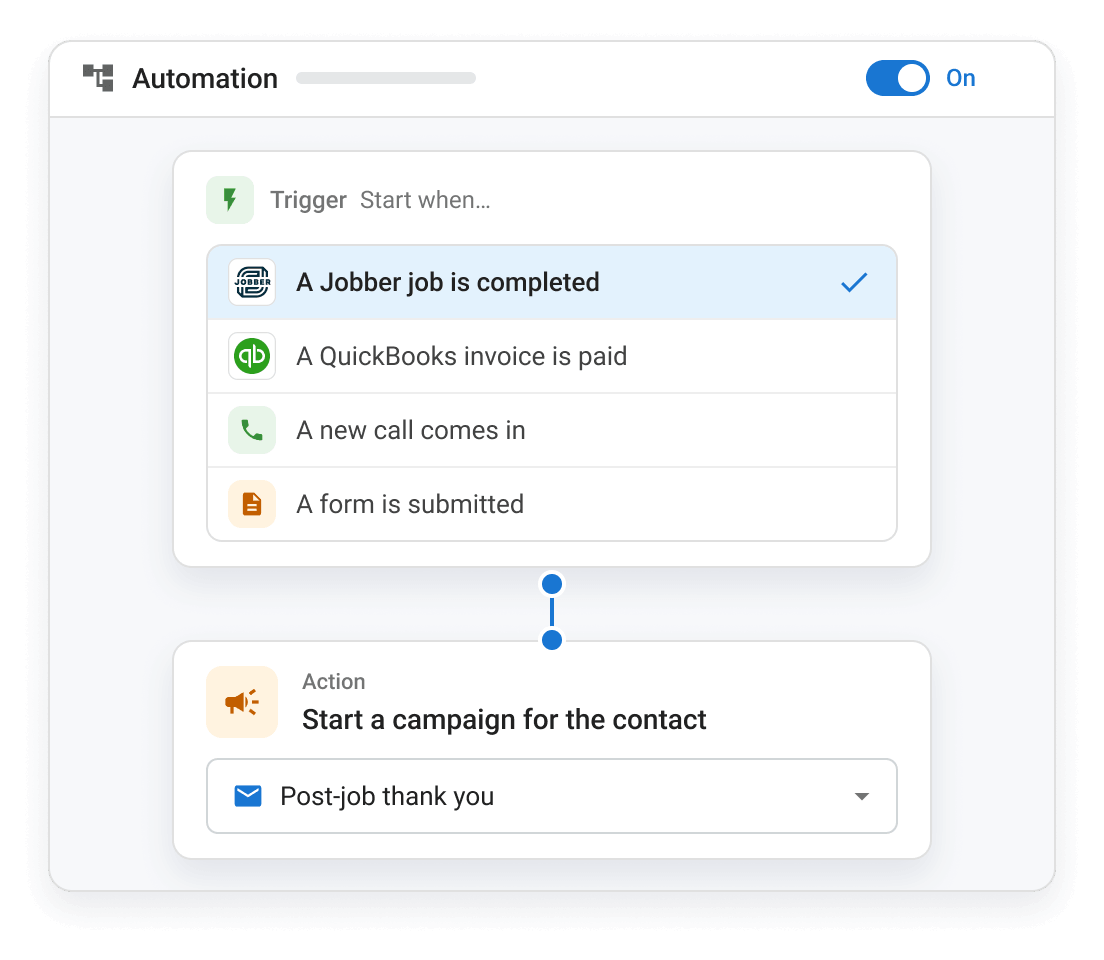
Campaigns Pro watches for the moments that should start a campaign: a job completed in Jobber, an invoice paid in QuickBooks, a new caller or form fill. Each one starts the right email or text campaign, so nothing depends on someone remembering to send it.
Out of the box, Campaigns Pro helps you:
- Thank every customer after the job
- Send the maintenance reminder when it’s due
- Follow up with leads who didn’t book
Email marketing for small business that runs off real jobs
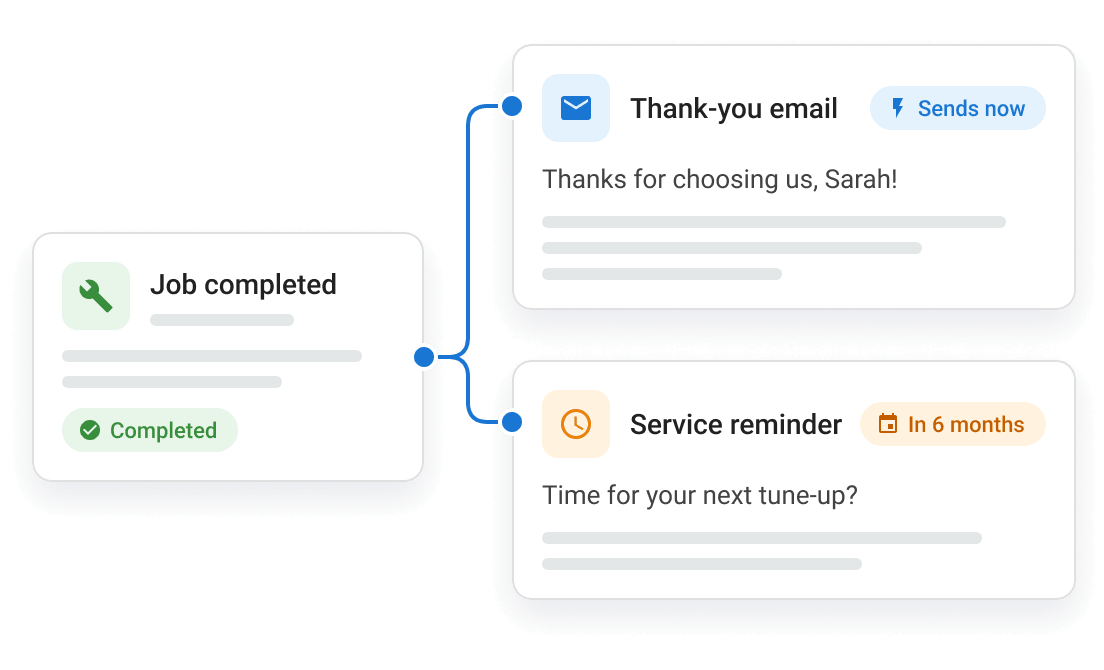
Connect Jobber, ServiceTitan, Housecall Pro, Dentrix, ShopMonkey, QuickBooks, and more, and a completed job or paid invoice starts a campaign. A furnace tune-up becomes a thank-you email today and a maintenance reminder next fall, with nobody on your team setting a calendar alert.
SMS marketing for small business, alongside your email
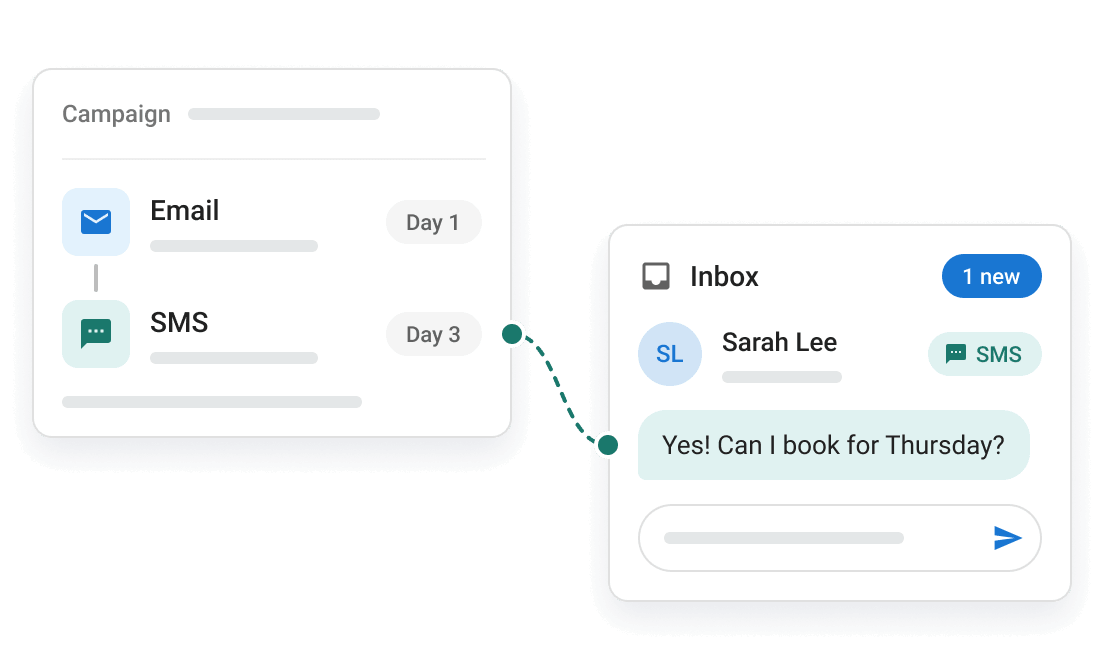
Send the seasonal reminder or the win-back offer as a text, an email, or both, so customers who skip marketing email still see it. Texts go from one local number registered to your business, and replies land in the same inbox as your calls and chats.
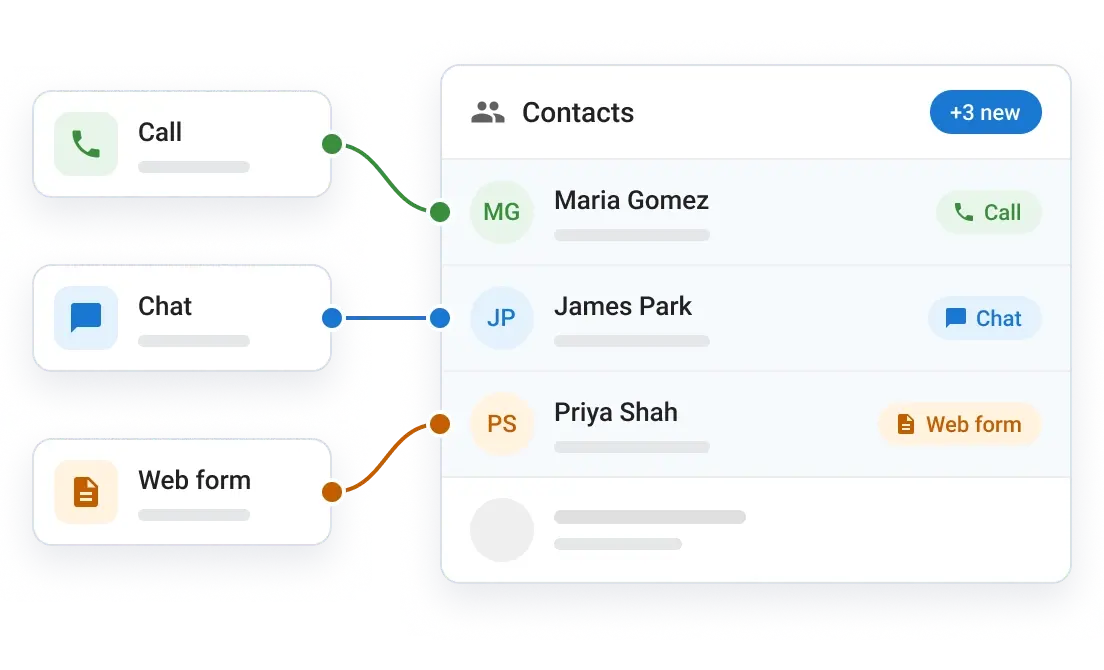
A customer list that keeps itself up to date
New callers, chat leads, and form fills join your contact list on their own, ready for the next campaign, with no exports. Contacts are unlimited, so the one-time customer from years ago is still there when you send the win-back.
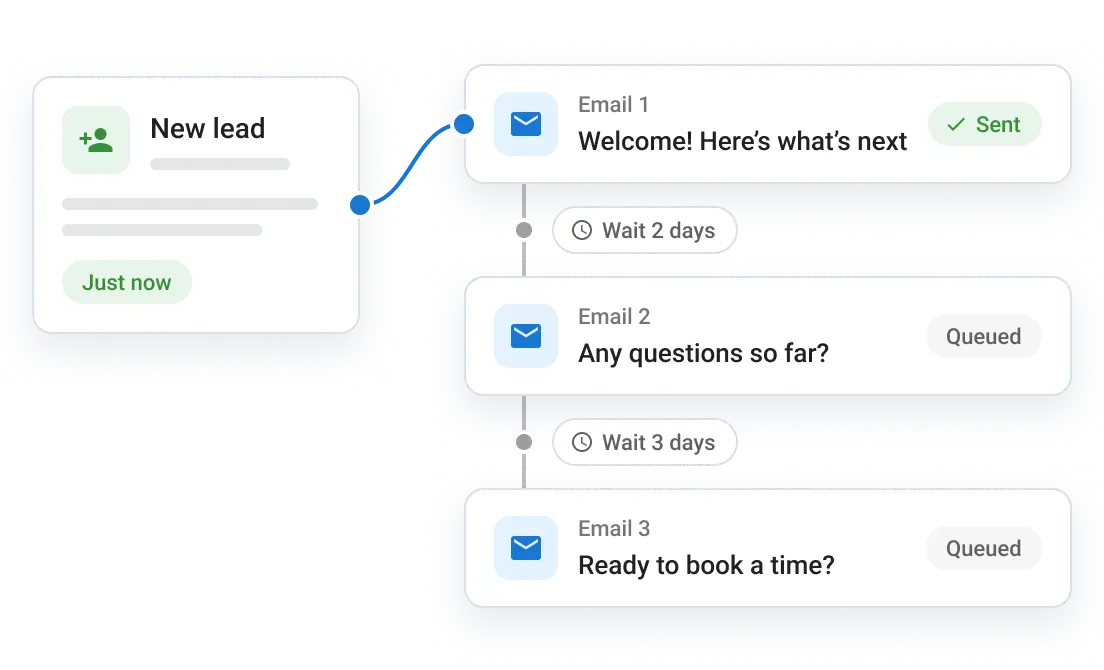
Follow up with every lead who didn’t book
When a new lead comes in, Campaigns Pro starts your follow-up emails and texts without anyone adding them to a list. The homeowner who called for a quote on Tuesday hears from you again on Thursday, while they’re still comparing their options.
I don’t just dump names into a CRM…I send out personalized emails through automated campaigns. It’s like having an AI-powered follow-through.
Campaigns Pro is how local businesses win back repeat customers
You get the whole AI Workforce, and Campaigns Pro is the piece that brings past customers back for their next job and keeps quote requests from going quiet. It is part of Vendasta’s all-in-one small business software, and it powers win-back customers.
Works with the tools you already use
Campaigns start from jobs, appointments, and invoices in Jobber, ServiceTitan, Housecall Pro, Dentrix, ShopMonkey, QuickBooks, and more.

Learn more about email and SMS marketing

How does SMS marketing work for small businesses?
What to text customers, when to send it, and how to stay compliant →

Why send marketing emails from your CRM?

Which email campaigns actually work?
Email and SMS marketing software questions, answered
What is email and SMS marketing software?
Email and SMS marketing software sends emails and text messages to your customers from one place: reminders, offers, newsletters, and follow-ups. Vendasta Campaigns Pro is built for local businesses, so a completed job, a paid invoice, or a new lead can start the right email or text campaign, and your contact list fills itself from calls, chats, and forms.
How is Campaigns Pro different from Mailchimp?
Vendasta Campaigns Pro starts email and text campaigns from real work, such as a job closed in Jobber or ServiceTitan, a paid invoice in QuickBooks, or a new lead, and it doesn’t charge by contact count the way Mailchimp’s plans do. Callers, chat leads, and form fills join your list on their own. See how other email marketing tools compare.
What is SMS marketing software?
SMS (text message) marketing software sends texts to customers who agreed to hear from you, such as seasonal offers, reminders, and win-backs. Vendasta Campaigns Pro is an SMS marketing platform and email tool in one, so SMS marketing for small business sits in the same campaign as your email. Texts go from a local number registered to your business.
Do I have to delete old contacts to stay under a limit?
No. Vendasta Campaigns Pro has unlimited contacts. You pay for what you send, not for how many customers you keep, so past customers stay on your list for the next win-back.
How much does Campaigns Pro cost?
Campaigns Pro is included in Vendasta’s plans. Compare Vendasta pricing to find the plan that fits your business.
Which tools can start a campaign?
Do customers have to agree to get marketing texts?
What should a local business automate first?
Run an agency or a franchise?
Offer Campaigns Pro to the businesses you serve, under your own brand.





Get more customers. And keep them.
Let the next thank-you and reminder go out on their own. Try Vendasta Campaigns Pro free or book a demo.